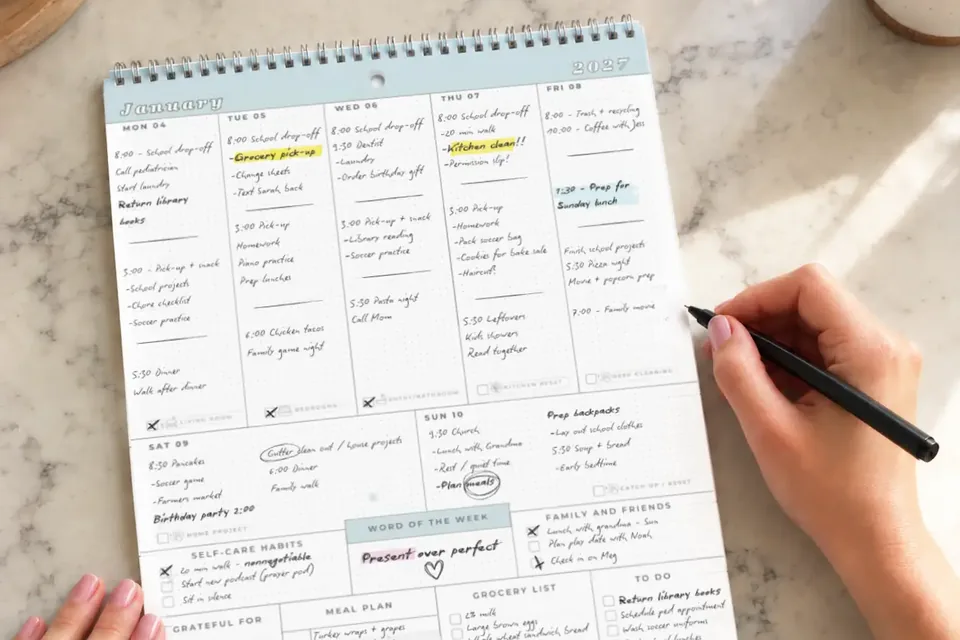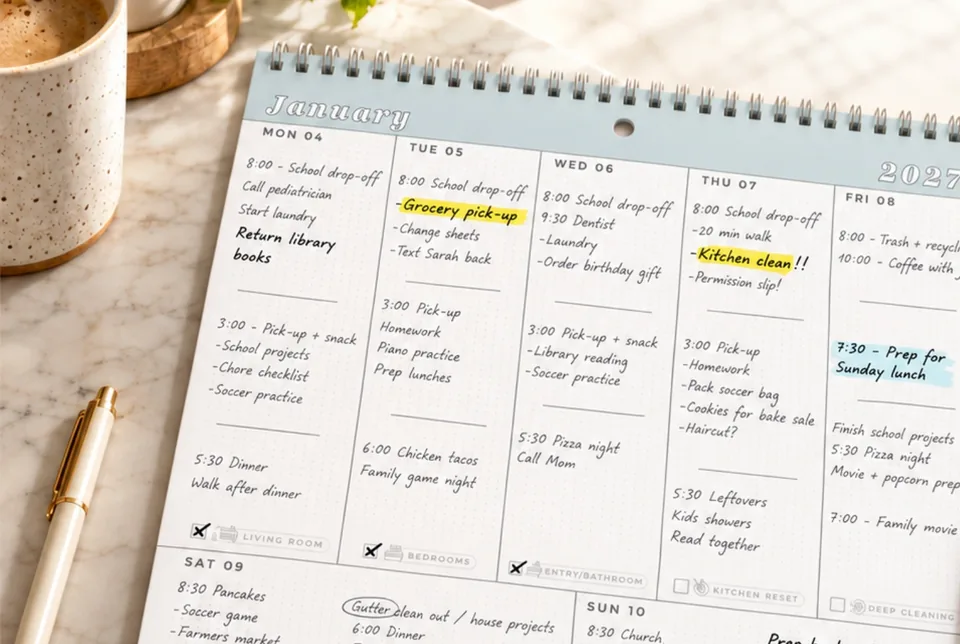

The coach moves practice to Thursday. Your child’s school announces early dismissal. A dentist reminder comes in while you’re making dinner. The calendar exists, but the changes are still sitting in three different places.
To manage a busy family calendar, collect changes in one shared place, write down the person responsible, and check tomorrow’s plan together for five minutes.
The Real-Life Version
Keep the family calendar current
5 steps
Tomorrow is clear. The whole family can see the plan.
Make one change visible to everyone
Here is what a useful entry looks like:
Thu 4:30 · Soccer practice · Dad drives · cleats + water
Changed from Tuesday. Confirmed with the coach.
If the pickup has changed, update the pickup entry too. That is the detail another adult needs to act on.
What belongs on the calendar
Add or update
- Time and place changes
- School closures and early dismissal
- Practice, games, rides and pickups
- Deadlines that need family action
Leave elsewhere
- Full school newsletters
- Long email threads
- Tasks with no date or handoff
- Details everyone already knows
The calendar should answer where, when and who. Keep forms and paperwork at your home command center. For the initial setup, use the family calendar guide.
Share the responsibility
An adult can own updates from a particular school, coach or activity. A younger child can check tomorrow’s plan with you and put their gear near the door. An older child can help spot a changed practice time, with an adult confirming the details.
When Life Happens
When the plan changes again
A text arrives at the last minute? Update the shared calendar and tell the person whose ride or preparation changes. Don’t assume they’ll notice it in time.
Missed the evening check? Review the next appointment and pickup first. Start again tomorrow.
Two events overlap? Decide which commitment stays and who handles the other. Write the decision on the calendar so no one has to ask twice.
Make it part of your week
- Weekly family reset: review the coming week and spot crowded days before they arrive.
- Family calendar setup: choose the shared calendar and a consistent entry format.
- Free weekly family planner: see the whole week on one page.
Your Next Small Win
Find one schedule change from this week and put it on the shared calendar with the person responsible. Then ask that person to check tomorrow’s plan with you.