
The show ends, but the tablet stays in someone’s hands. Dinner is ready, and now you’re negotiating for the tenth time about when screen time is over.
Give screen time a clear place in the day: agree when it starts, what is allowed, how it ends, where devices go, and what happens next. Practice the routine together.
The Real-Life Version
Set up a family screen time routine
5 steps
Your family's screen routine is ready to practice.
Try this after-school example
- 3:30
Snack and play
Outside if you can.
- 4:30
Agreed screen time
One episode or the timer you agreed on, explained before it starts.
- 5:00Your child
Device on the shelf
Carried to its parking spot when the timer ends.
- 5:05Your child
Help set the table
The next step is ready, so nobody negotiates.
- 5:30
Dinner
Screens stay on the shelf.
This is an example, not a required schedule. A different family may use screen time after dinner or not every day. The important part is that everyone knows the ending and next step before the device starts.
Keep the boundary simple
Make it clear
- One agreed start and stop cue
- Age-appropriate content
- A named place for the device
- A visible next activity
Avoid the daily debate
- Rules invented after pressing play
- Autoplay deciding what comes next
- Devices at every meal
- A surprise end with no transition
A rule like “the tablet goes on the shelf when the timer ends” is easier to practice than “don’t spend too long on screens.” Adults can model the same device-free dinner habit.
Let kids help own the routine
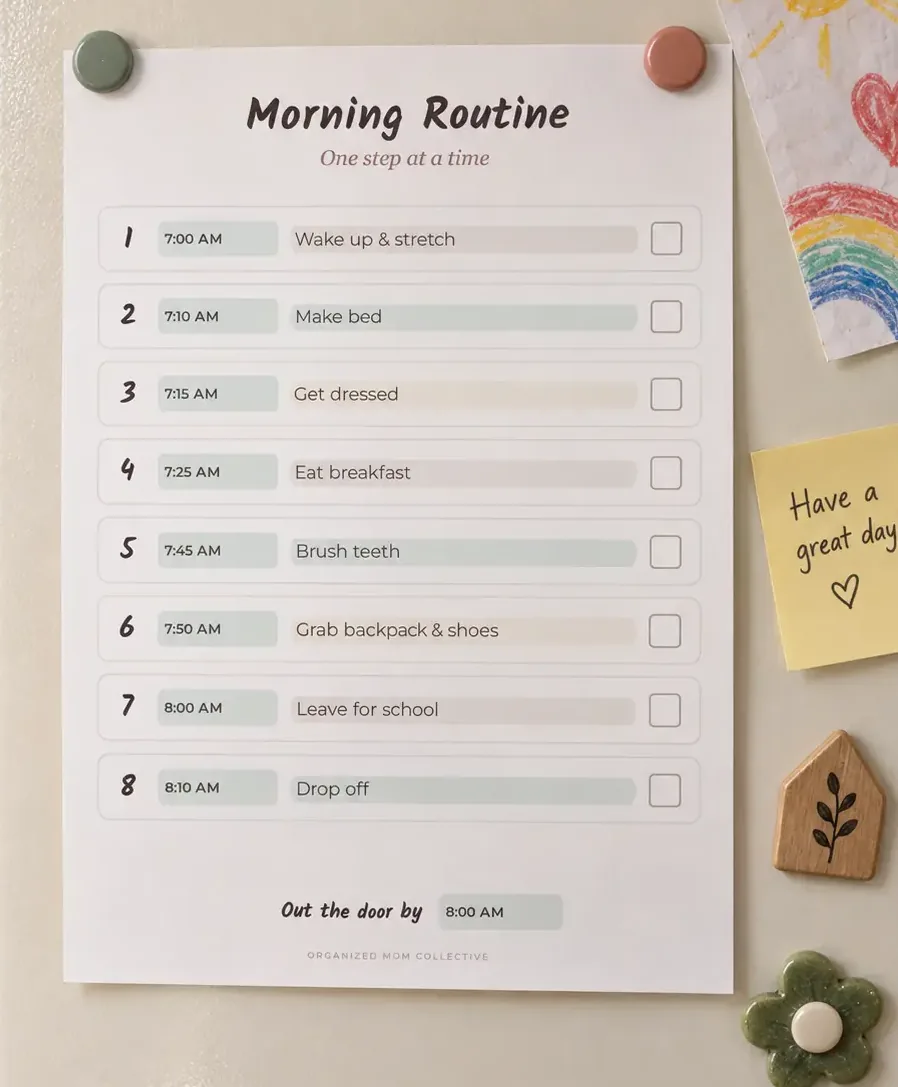
Younger children can carry the device to its shelf with you. Children who read can follow a short picture-and-word sequence. Adults still choose content, manage settings, and decide the overall limits. If your child needs a visible reminder, see the free morning routine chart generator for ideas about making steps easy to follow; it is not a dedicated screen time tool.
When Life Happens
When the transition doesn't go smoothly
They protest at the end? Stay with the agreed boundary, acknowledge the frustration and help them move to the next activity. Practice the stop cue again on a calmer day.
Plans change? Explain the exception before screen time begins. Keep the device parking spot and end cue the same.
The routine keeps falling apart? Simplify it to one clear start cue and one clear end cue. Review the fit during your weekly family reset.
Make it part of your week
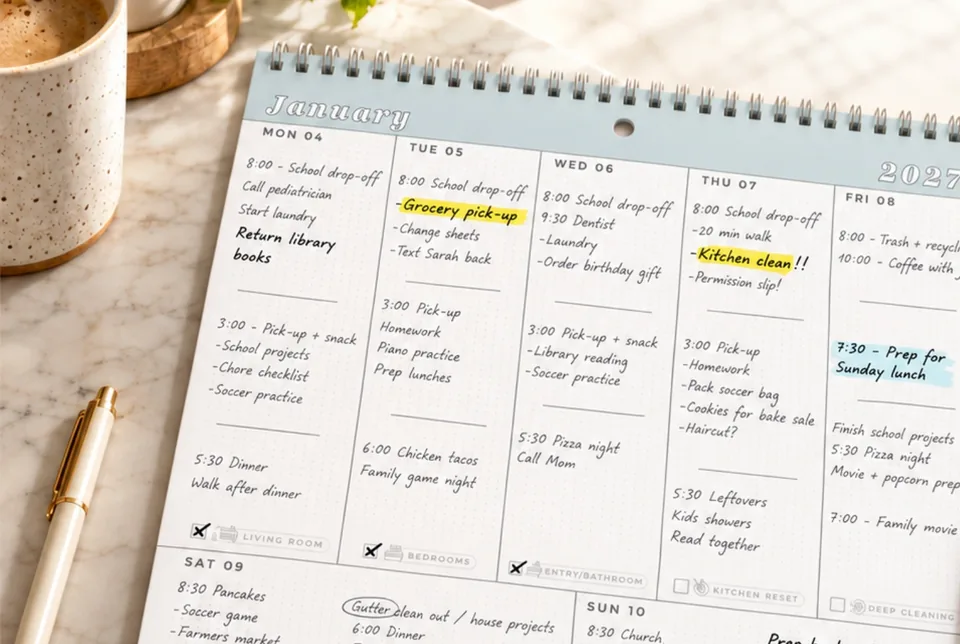
- Weekly family reset: agree on the week’s activities and screen-free family time.
- Teach kids independence: show a routine, practice together, then step back gradually.
- Morning routine chart generator: create a visible getting-ready routine for school mornings.
Your Next Small Win
Pick one device parking spot and show your child where it is. Practice the end-of-screen routine once before the next screen session.